
How do I import a WeChat article into Obsidian?
Export Markdown with WeChat to Markdown, unzip the images when you need them offline, and put the folder in your Obsidian vault without breaking relative image paths.
- Export Markdown and images
Follow save as Markdown. Successful images live under
_assets/<stable article id>/. - Move the folder into the vault
The first library connection must select the vault root that contains
.obsidian, not the Downloads folder. - Check images and conflicts
Do not move the Markdown file away from its images. Identical notes can be skipped. Conflicting notes are saved beside the existing file.
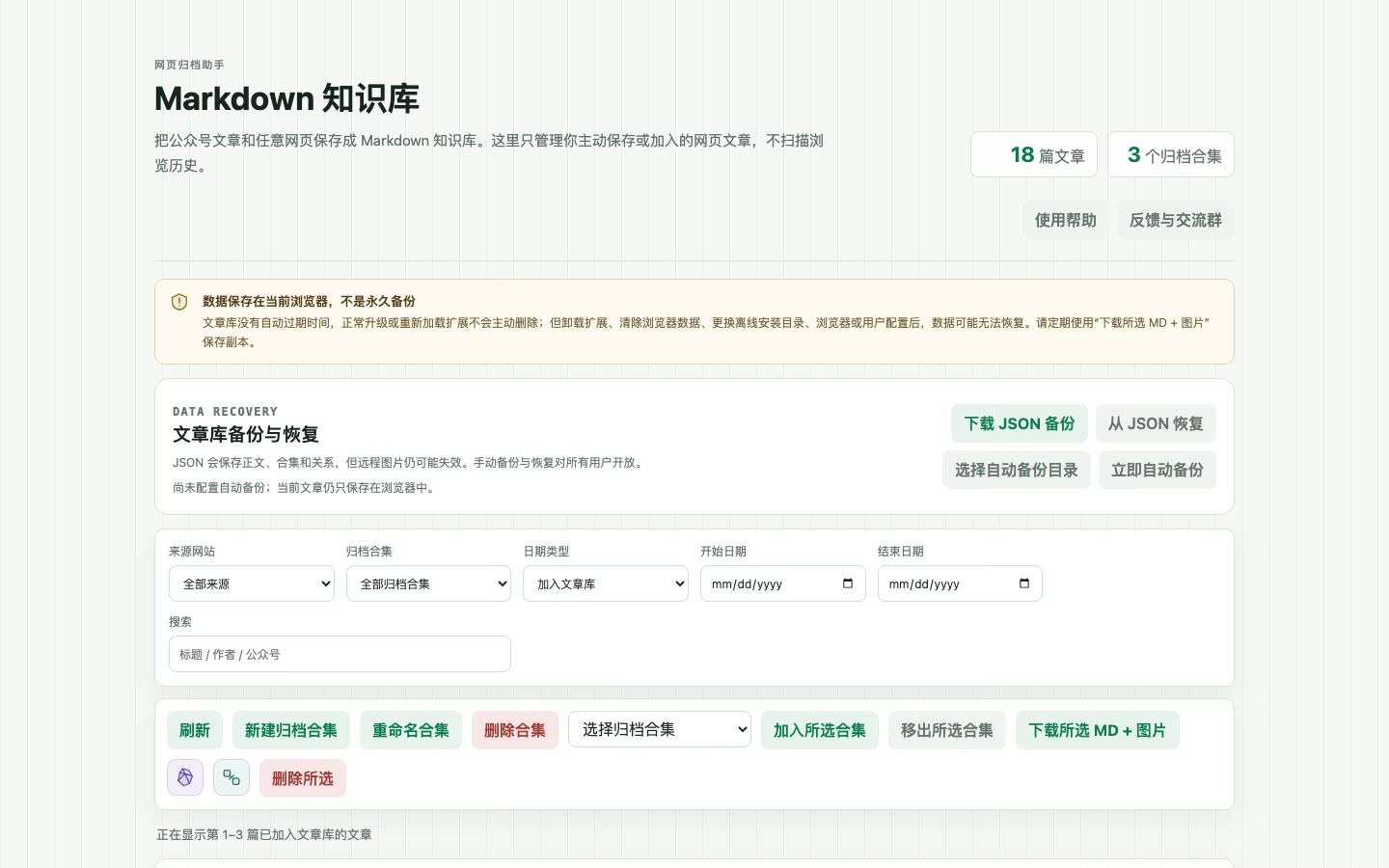
The step that chooses a vault root containing .obsidian still needs a real interface capture. Until that file exists, this page does not substitute a diagram. Folder rules are in the Obsidian guide.
How do I save a WeChat article into SiYuan?
For a few articles, export Markdown and an image ZIP, unzip them, and use SiYuan’s Markdown import. The full plan can also send selected library articles to a local SiYuan app.
Keep the .md file next to _assets for manual import. The local integration sends Markdown from the library and does not upload images as SiYuan assets. Address, token and notebook ID are explained in the SiYuan guide.
The SiYuan connection form (address, token, notebook ID) still needs a real interface capture. Until that file exists, this page does not substitute a diagram.
WeChat favorites are a mess. How do I build a personal library?
Favorites only store a link. Export the articles you still need into the local library, filter them, then write them to Obsidian or SiYuan. Reading, archiving and search do not use the single-article export quota.
The library only contains articles you added or exported. It does not scan browsing history. Batch knowledge-base sync is a full-plan feature; see pricing and the Obsidian, SiYuan and Typora answer.